

SIM Swapping
In today’s fast-paced digital world, most of us rely heavily on our mobile devices. Our phones and tablets keep our calendars, our personal and business contacts, our emails, our banking information, and more. If that information falls into the wrong hands, the potential damage to your livelihood could be catastrophic. For that reason, electronics manufacturers and mobile carriers work hard to provide the best possible security for our devices. Unfortunately, fraudsters are also working hard to find ways around all those security measures. One way they do that is through SIM swapping.
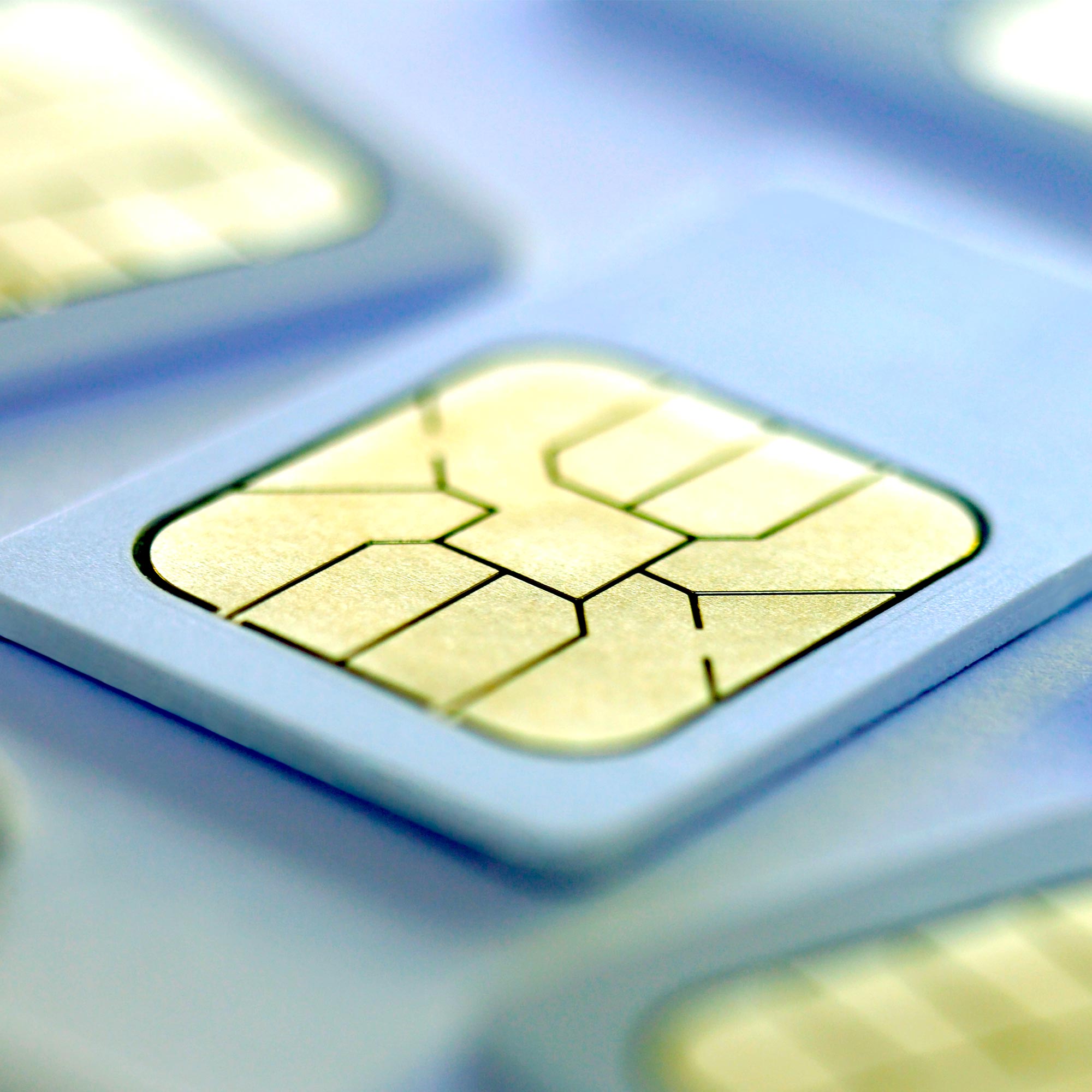
“SIM” stands for subscriber identity module. Your mobile device has either a physical or digital (“eSIM”) card installed that uses a unique string of numbers assigned to your identity, your mobile carrier, your phone number and location. When you purchase a new device, your mobile carrier may require you to swap the SIM card from your old device to your new one so they can activate the new device with your saved information. Fraudsters have learned how to exploit this process.
Mobile carriers won’t swap a SIM card without first confirming your identity. The fraudster prepares for this by collecting personal information, like your birthday, mother’s maiden name, your pet’s name and other answers to common security questions. Fraudsters get this information from your social media posts, social engineering scams like phishing emails or text messages, and even buying your stolen or leaked information from the dark web.
Next, the fraudster contacts your mobile carrier, successfully impersonates you by answering the security questions, and transfers your SIM or eSIM to a device they control. Now, the fraudster can receive authentication codes sent to your phone number to access your bank accounts, social media, emails and more. The worst part is that you’ll no longer have access to your own device.
So, how can you detect a SIM swap, and more importantly, protect yourself from one?
You may be the victim of a SIM Swap if...
- You suddenly lose the ability to send or receive text messages or make or receive phone calls
- Your phone is reporting a “No Service” or “SOS only” message in locations you normally receive a strong cellular signal
- Your mobile carrier sends you an email that says your phone number is on a new device
- You notice strange activity on your social media accounts, like posts you didn’t personally make, or messages from your friends, saying your account has been hacked
- You can’t access your accounts. Fraudsters often change your login credentials to take full control of your accounts
- You notice unusual banking activity such as wire transfers and withdrawals you didn’t make
You can protect yourself from SIM Swapping with these techniques:
- If your carrier offers a security PIN that must be entered to make changes to accounts, consider using it
- If your carrier offers security notifications for events like a phone number or SIM card change, consider turning them on
- Never click on links in unsolicited emails or texts from unknown senders. Legitimate businesses/organizations will never ask for sensitive information by email or text
- Consider making your social media accounts private and avoid sharing too much personal information online
In 2024, IDCARE, a non-profit identity and cyber support service, reported a 240% increase in cases of clients seeking help for SIM Swap fraud compared to 2023, and 90% of those events occurred without the victim’s engagement. With strong prevention techniques and increased vigilance, you can make it harder for fraudsters to take control of your devices. If you believe your device has been hijacked by a SIM swap, immediately contact your mobile carrier for help resolving the issue. If you believe a fraudster may have taken control of your MidFirst accounts, call 888.MIDFIRST (888.643.3477) for assistance.